


Try On Glasses Online
Use our AI-powered virtual try-on tool to effortlessly upload your photo and instantly see how different glasses styles look on you. No camera needed—try on glasses anytime, anywhere, and find your perfect pair with ease. Enjoy a seamless and convenient eyewear shopping experience!
How to use Virtual Try-On
Click "Try on" in the top right corner of the product.

Try On with an Image
You can try on glasses using an uploaded image. Once you upload a photo, our virtual try-on feature will automatically apply it to every frame you want to explore on the site. Simply follow the steps once, and you can effortlessly experiment with all your favorite styles!

More Ways to Find Your Perfect Glasses
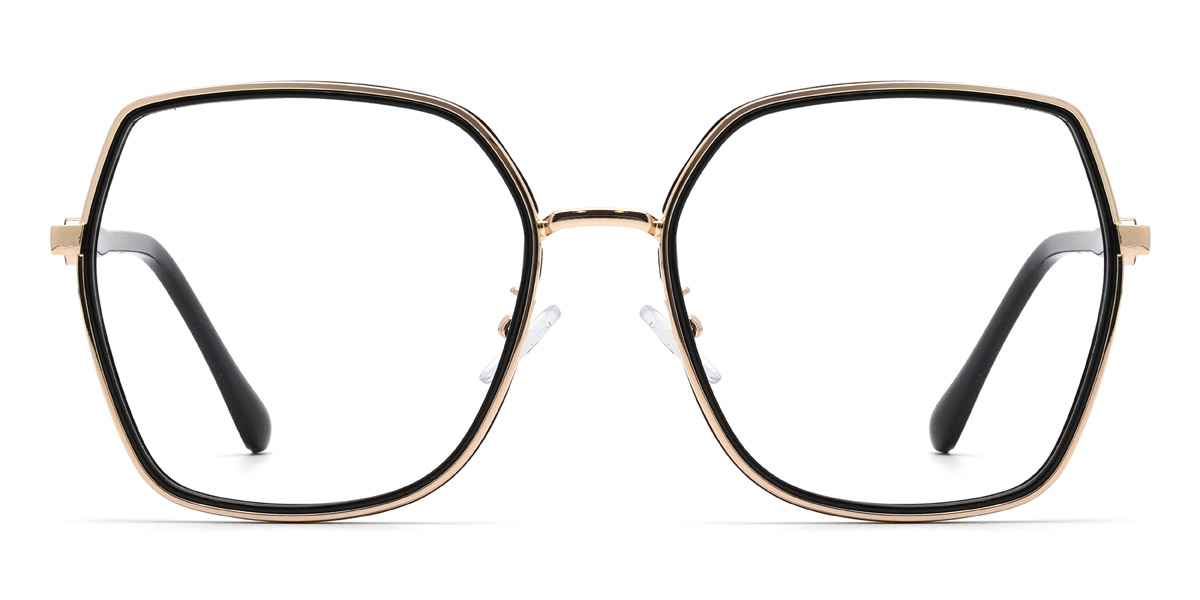
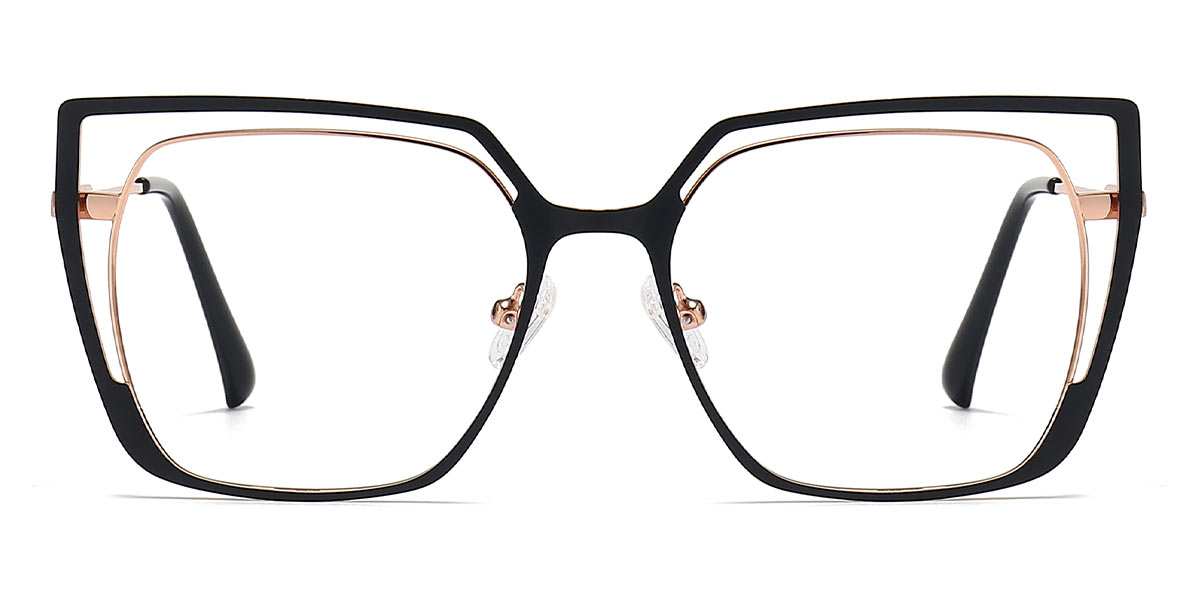
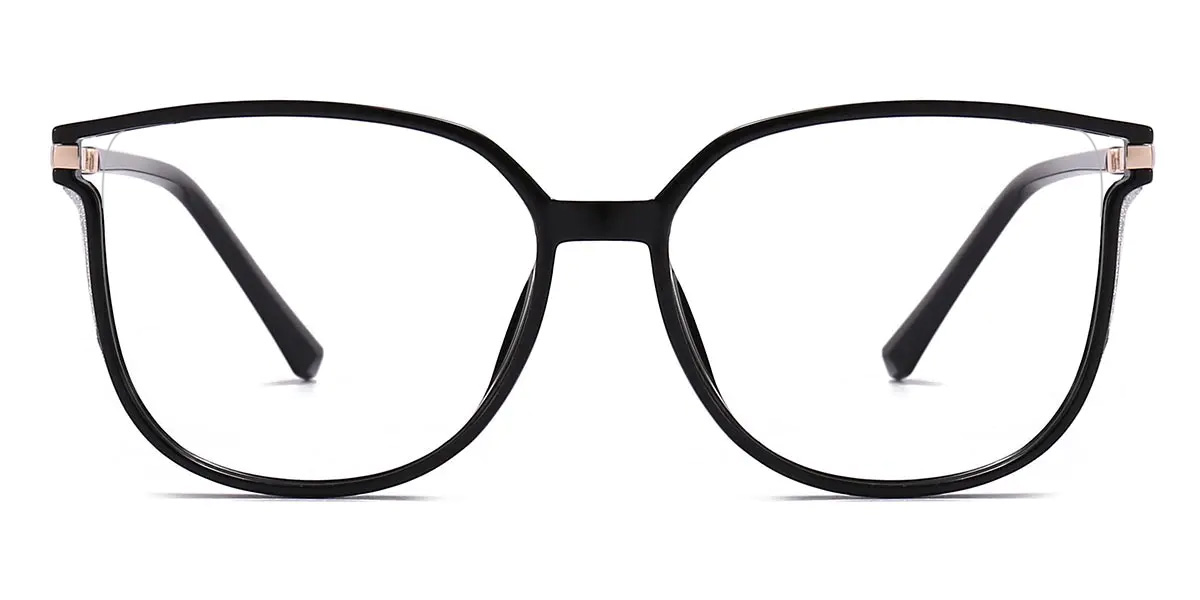
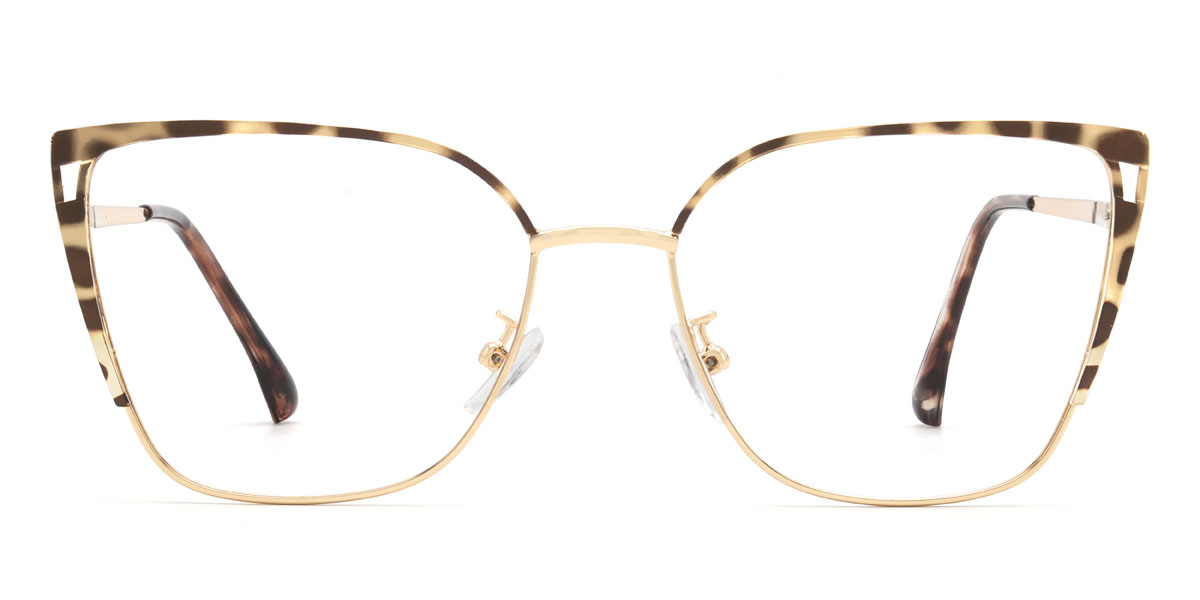
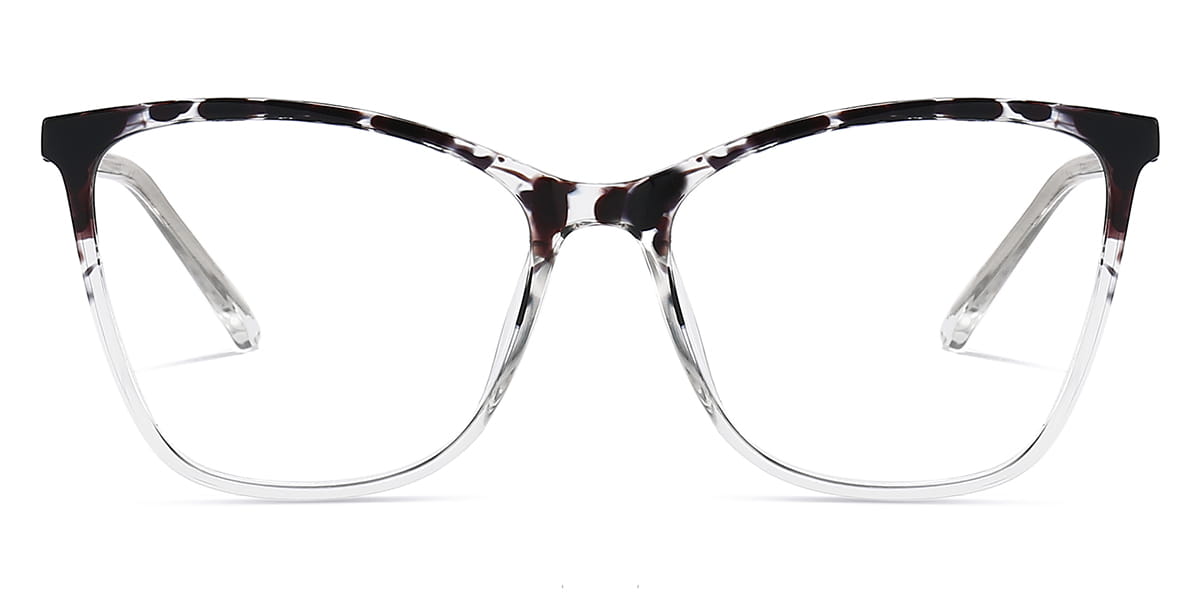
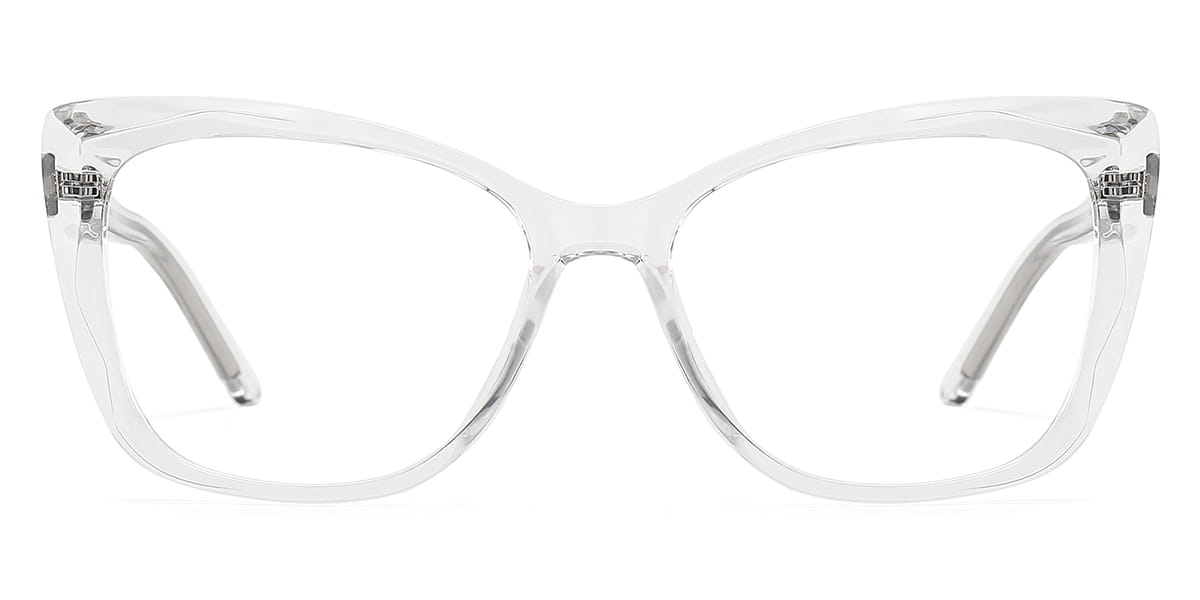
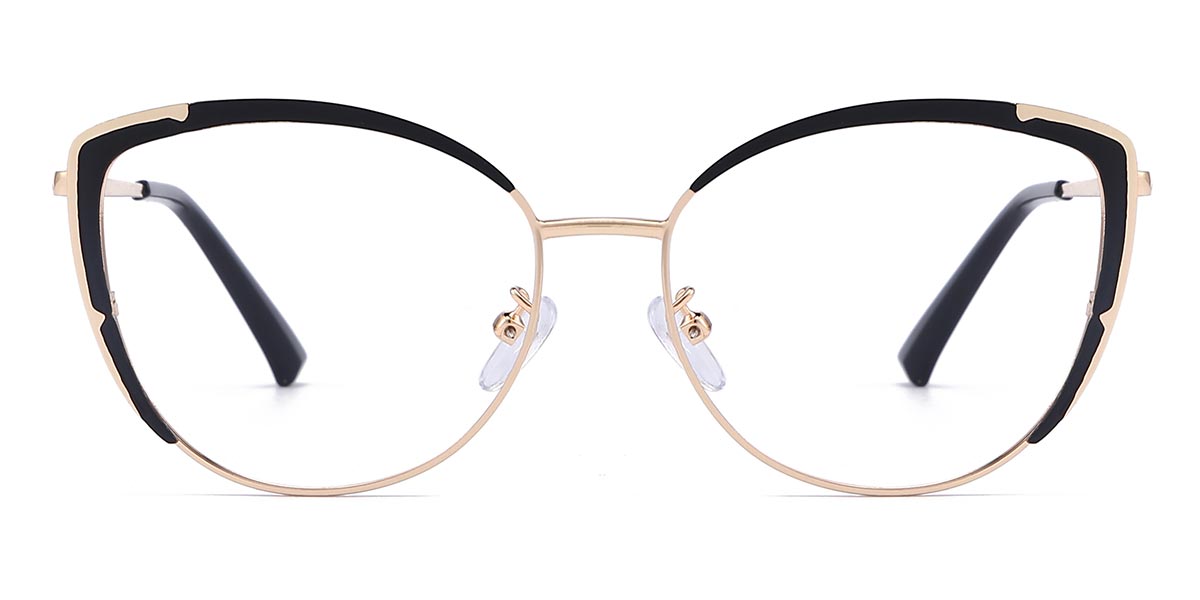
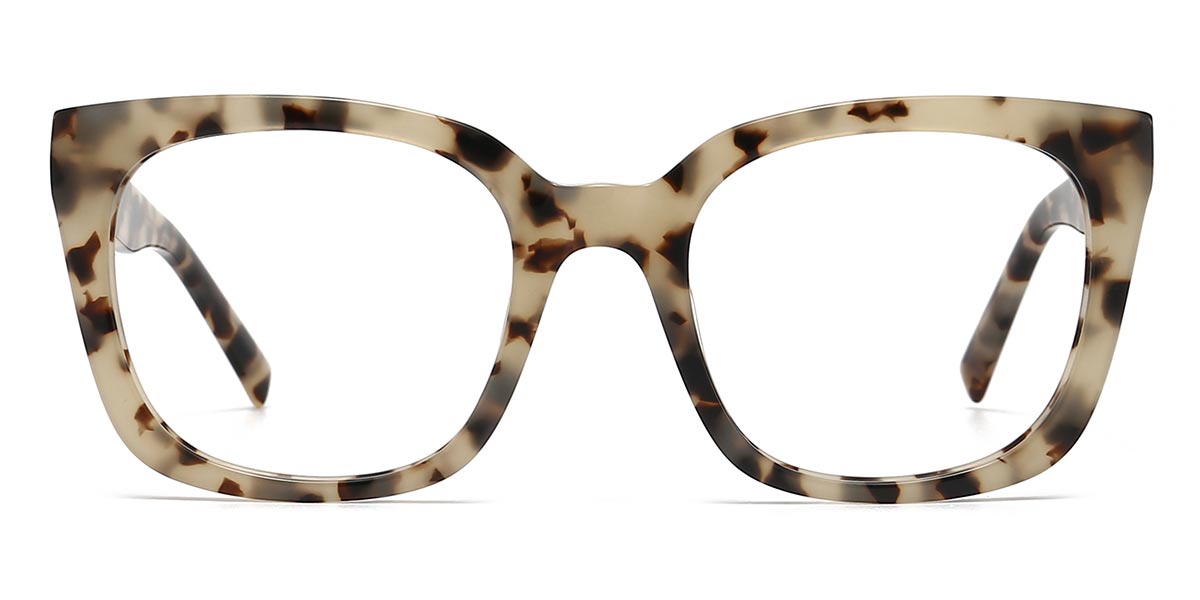
We offer a variety of glasses styles tailored to your face shape, ensuring you find the perfect pair. Whether you're looking for cat-eye glasses, aviator glasses, or round glasses, we have everything to meet your eyewear needs.
In addition to our Virtual Try-on feature, explore our blog to learn more about eyewear and make choosing the right glasses even easier. Discover which glasses color suits you best—check it out now!
















Virtual Try-On FAQ
A: Our Virtual Try-On tool lets you see how different glasses frames look on your face using a photo you upload.
A: Simply upload a clear, front-facing photo of yourself (without glasses). Our AI will automatically apply the frames you browse to your uploaded image, so you can see the look on your face instantly.For a more in-depth look at how virtual try-on technology works and its advantages, read our detailed blog post:Try on glasses online: virtual tool.
A: You need a device (smartphone, tablet, or computer) with internet access and a suitable digital photo of yourself. No camera is needed during the try-on process itself after the photo is taken.
A: The accuracy depends on the quality and angle of your uploaded photo. A well-lit, front-facing photo taken without glasses will provide the most realistic visual representation of the frame's size and style proportions on your face shape.
A: Your privacy is important. The photo you upload is processed by our Virtual Try-On tool to apply glasses frames during your current Browse session. We do not permanently store your uploaded photos.
A: Screen color calibration and ambient lighting can affect how colors appear virtually. For the most accurate frame color, please refer to the product images and description on the product page.
A: Once you upload your photo, the tool will automatically apply frames as you browse the products that have the Virtual Try-On feature enabled. Look for the "Try on" option on product pages or in product listings to see which frames are available.
A: For the most accurate results, upload a clear, well-lit photo of yourself looking straight at the camera, with a neutral expression and no glasses on. Your entire face should be visible.