



Digital Textbooks vs. Paper: Managing Student Visual Load
TL;DR: The Student's Guide to Beating Screen Fatigue
- The Problem Isn't Just Blue Light: Digital eye strain is primarily caused by reduced blink rates, constant focusing effort, and screen "flicker"—not blue light itself.
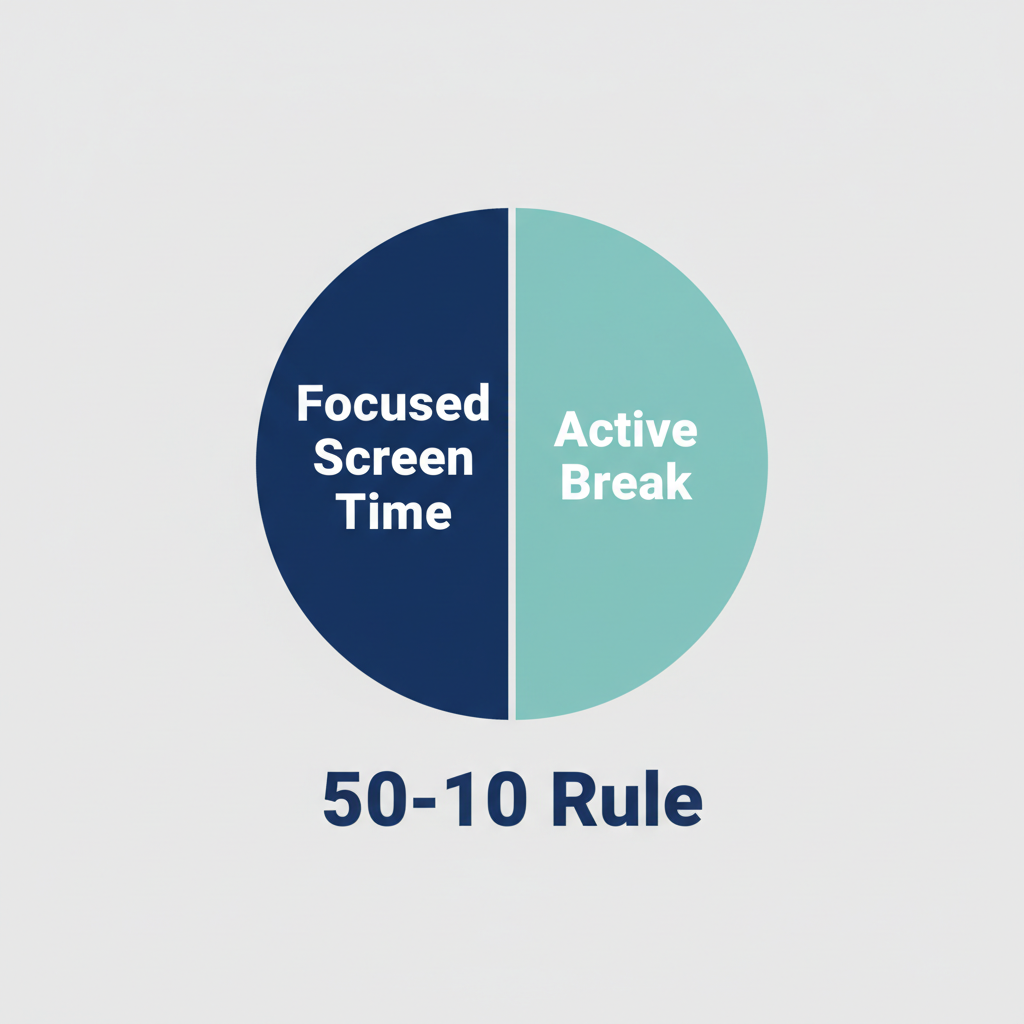
- Rethink Your Breaks: The common "20-20-20 rule" is often not enough. We recommend the ‘50-10’ Method: 50 minutes of focused study followed by a 10-minute break where you physically move and look at something far away.
- Match Your Room to Your Screen: A critical mistake is reading on a bright screen in a dark room. A good rule of thumb is to make your ambient room lighting at least as bright as your screen's glow.
- Optimize Your Tech: For long study sessions, use the largest screen possible. Increase your monitor's refresh rate to the maximum setting and boost text size to at least 120% of the default to reduce subconscious squinting.
- Use Blue Light Glasses for Sleep, Not Strain: While they don't cure eye strain, glasses that filter blue light are effective tools for improving sleep when studying late at night. Use them in the hours before bed.
It’s a familiar scene for any student: hours deep into research, surrounded by a constellation of glowing screens. Your digital textbook is on the tablet, sources are open on the laptop, and your phone is a constant source of notifications. Your eyes feel gritty, your head aches, and the words on the screen start to blur. You’re experiencing digital visual load, a unique and draining form of fatigue that reading a paper textbook rarely causes.
The common advice is to just wear blue light blocking glasses, but the solution isn’t that simple. The strain you feel comes from a complex interaction between your eyes, your brain, and the technology you use. Understanding why reading on a screen is so much more demanding than reading on paper is the first step to taking control. This guide will break down the science behind digital eye strain and give you practical, experience-based strategies to improve your visual stamina and academic focus.
Why Digital Reading Is More Tiring Than Paper
Reading on a screen forces your visual system to work harder than it does with a physical book. The difference lies in how the information is displayed. A paper page reflects ambient light, while a digital screen emits its own, creating several distinct challenges for your eyes.
The Unseen Flicker and Constant Adjustments
A digital screen is not a static image. It’s constantly refreshing, redrawing the pixels many times per second, a phenomenon measured in Hertz (Hz). While modern screens are too fast for you to consciously see the flicker, your brain and eye muscles can still detect this instability. As one rigorous study on visual fatigue confirmed, lower refresh rates (like 60Hz) are associated with higher levels of fatigue compared to smoother 120Hz or 240Hz displays. Your eyes are forced to make thousands of tiny, subconscious adjustments to maintain a stable image, leading to significant muscle fatigue over a long study session.
The Blink Rate Collapse
Under normal circumstances, you blink about 15 times per minute. This simple action is crucial, as it spreads a fresh layer of tears across your cornea, keeping it moist, clear, and comfortable. However, when staring at a digital screen, studies from the American Academy of Ophthalmology (AAO) show our blink rate plummets to just 5-7 times per minute. Over a multi-hour study block, this leads directly to the primary symptoms of digital eye strain: dryness, a gritty feeling, and burning.
The Glare and Focus Challenge
Unlike the soft, reflected light of a book, a screen is a direct light source. This can cause significant glare, forcing your pupils to constrict and your eyes to work harder to process the information. Furthermore, the letters on a screen are made of pixels, which have less defined edges than printed ink. This lack of sharp contrast forces your eye’s focusing system (the accommodative system) into overdrive as it struggles to find a precise point to lock onto, causing a deep, focusing fatigue that is a hallmark of "computer vision syndrome."
Beyond the 20-20-20 Rule: A Better Framework for Visual Stamina
The "20-20-20 rule" (every 20 minutes, look at something 20 feet away for 20 seconds) is widely cited but poorly implemented in a demanding academic setting. A 20-second pause is often not enough to truly reset your visual system during an intense study session. Based on our experience helping students manage visual load, a more effective protocol is the ‘50-10’ Method.
How It Works: For every 50 minutes of continuous, heads-down screen work, take a full 10-minute break. The key is that this break must involve physical activity that changes your focal distance.
- Walk to the window and look at the farthest object you can see.
- Get up to refill your water bottle and let your eyes wander around the room.
- Stretch or walk down the hall.
This longer break allows your eye muscles to fully relax from the strain of close-up focus. It also encourages blood flow and helps combat the general physical fatigue that comes from sitting in one position for too long.
For exceptionally dense reading, like reviewing a chapter in a digital textbook, consider a "Paper Break." If you have a physical copy, switch to it for 30 minutes. If not, an e-ink device (like a Kindle) is the next best thing, as its screen mimics the reflected light of paper. This practice varies the type of demand on your eyes, significantly increasing your overall study endurance.
Optimize Your Digital Study Environment
Creating a visually comfortable workspace is just as important as taking breaks. Many students make the mistake of studying in a dark dorm room with only the laptop screen for light. This forces your eyes to constantly adapt between a bright focal point and a dark periphery, which is incredibly fatiguing.
The Ambient Light Rule
Your environment should be at least as bright as your screen. This is the single most effective change you can make. Turn on your overhead light or use a desk lamp to illuminate the area around your computer. This reduces the contrast between your screen and your surroundings, minimizing glare and easing the strain on your pupils. Official guidance for office lighting, like the ISO standard, recommends levels around 300-500 lux for general work, far brighter than a screen alone.
Hardware and Settings Adjustments
- Screen Size and Position: Avoid doing long-form reading on a small phone or tablet. According to research, smaller screens significantly increase visual fatigue. Use the largest monitor available. If you use a laptop, it's ergonomically essential to "decouple" the screen from the keyboard. Use an external keyboard and mouse so you can place the top of the monitor at eye level, preventing neck and shoulder pain.
- Refresh Rate: Go into your computer’s display settings and increase the screen refresh rate to the highest available option (e.g., 120Hz or more). This creates a more stable, paper-like image and can reduce the subconscious strain on your eyes.
- Text Size and Contrast: A study on readability found that while personal preference varies, text that is too small directly slows reading speed. As a practical rule, increase your default text size to at least 120%. Use a high-contrast mode (e.g., black text on a white background) for maximum clarity during daytime study.

The Truth About Blue Light Glasses for Studying
Blue light blocking glasses are one of the most popular products marketed for digital eye strain, but their role is widely misunderstood.
For Eye Strain? The Evidence is Weak.
Leading medical authorities and major studies, including a gold-standard Cochrane Review and a randomized controlled trial from Rosenfield et al., have found no significant evidence that blue light from computer screens is the direct cause of digital eye strain. As ophthalmologist Dr. Nicole Bajic of the Cleveland Clinic clarifies, the symptoms of eye strain are caused by how we use our screens—the reduced blinking, the constant focusing, and the glare.
For Sleep? The Evidence is Strong.
Where blue light does have a proven, powerful effect is on our sleep-wake cycle. Light, particularly in the blue-violet spectrum, signals to our brain that it's daytime, suppressing the production of melatonin, the hormone that makes us feel sleepy. Research from Harvard Health confirms that exposure to blue light in the evening can significantly disrupt sleep patterns.
This is where blue light filtering glasses become a valuable tool for students. If you have a late-night study session, wearing them for the 2-3 hours before you plan to go to sleep can help prevent this melatonin suppression, making it easier to fall asleep and improving sleep quality.
Think of them as a "sleep hygiene" tool, not an "eye strain" cure.
A Note of Caution: Some emerging research, including a theoretical model discussed by the Mayo Clinic, suggests that chronic blue light deprivation during the day could potentially interfere with normal eye development in children and adolescents. Therefore, it is prudent to use blue light filtering lenses as intended: for evening use to protect your circadian rhythm.
Final Thoughts
Managing the visual demands of modern student life isn't about finding a single magic bullet. It's about building a system of smart habits and an optimized environment. By implementing the ‘50-10’ Method, controlling your room lighting, making simple adjustments to your tech, and using tools like blue light glasses for their intended purpose, you can significantly reduce visual fatigue.
These strategies will not only make your study hours more comfortable but will also enhance your focus and preserve your long-term eye health, allowing you to perform at your best, both on screen and off.
Disclaimer: This article is for informational purposes only and does not constitute professional medical advice. The information provided is not a substitute for a comprehensive eye exam or a consultation with a qualified healthcare provider. If you are experiencing persistent eye discomfort, vision changes, or have pre-existing conditions, please consult an optometrist or ophthalmologist.